


Warehouse Workspace Setup Guide: How to Design Packing, Assembly, and Repair Stations
In modern warehouses, efficiency is no longer driven only by software or automation. The physical workspace—where people pack, assemble, inspect, and repair—plays a critical role in throughput, labor cost, and safety. Poorly designed workstations lead to slowdowns, worker fatigue, errors, and even injuries. Well-designed workspaces, on the other hand, quietly improve productivity every single shift.
This guide breaks down how to design packing stations, assembly stations, and repair stations based on how warehouses actually operate today—and what real users consistently demand from their workbenches and tables.
Why Workspace Design Matters More Than Ever
Warehouses today face three overlapping pressures:
- Higher order volumes with tighter fulfillment windows
- Labor shortages requiring faster onboarding and simpler workflows
- Rising safety and ergonomics expectations
According to OSHA, musculoskeletal disorders account for over 30% of warehouse-related injuries, often linked to repetitive tasks at poorly designed workstations. Meanwhile, multiple logistics studies show that standardized packing and assembly stations can improve pick-pack speed by 10–20% without adding headcount.
The common denominator? The workstation.
Packing Stations: Speed, Reach, and Stability Come First
What warehouse users complain about most
Across online reviews, forums, and distributor feedback, packing station users repeatedly mention:
- Tables that shake or flex when taping cartons
- Surfaces that are too small for modern carton sizes
- No room for printers, scales, or void-fill tools
- Workers bending or twisting due to poor layout
In peak seasons, these issues compound quickly.
Real packing station requirements
A functional packing station should prioritize:
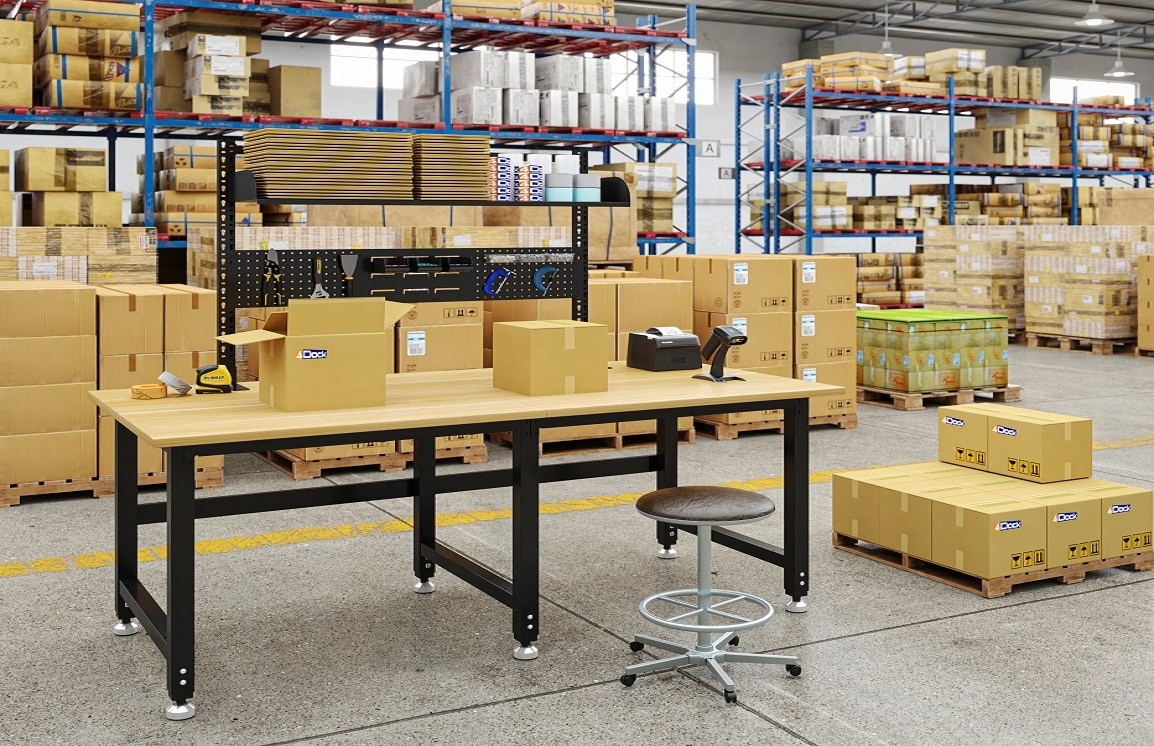
- Large, uninterrupted tabletop space Most high-volume packers prefer widths of 72–90 inches to handle cartons, mailers, and returns simultaneously.
- High load capacity Even if individual boxes are light, stacked cartons, printers, and supplies add up. Tables rated for 1,500–3,000 lbs prevent long-term frame fatigue.
- Accessory compatibility Shelves, pegboards, monitor arms, and under-table storage reduce reach time and clutter.
- Rock-solid stability A table that moves under pressure slows workers and reduces confidence.
Many warehouses now standardize their packing stations using industrial worktables from 4Dock workstations because they are designed to support accessories and repetitive use without constant replacement.
Assembly Stations: Precision and Consistency Over Speed
Assembly work—whether light kitting or multi-step builds—demands a different setup philosophy.
Common assembly pain points
Users frequently report:
- Inconsistent table heights across stations
- Insufficient depth for parts trays and tools
- Vibration affecting precision tasks
- Difficulty scaling the same setup across multiple lines
What assembly stations actually need
Effective assembly workstations focus on:
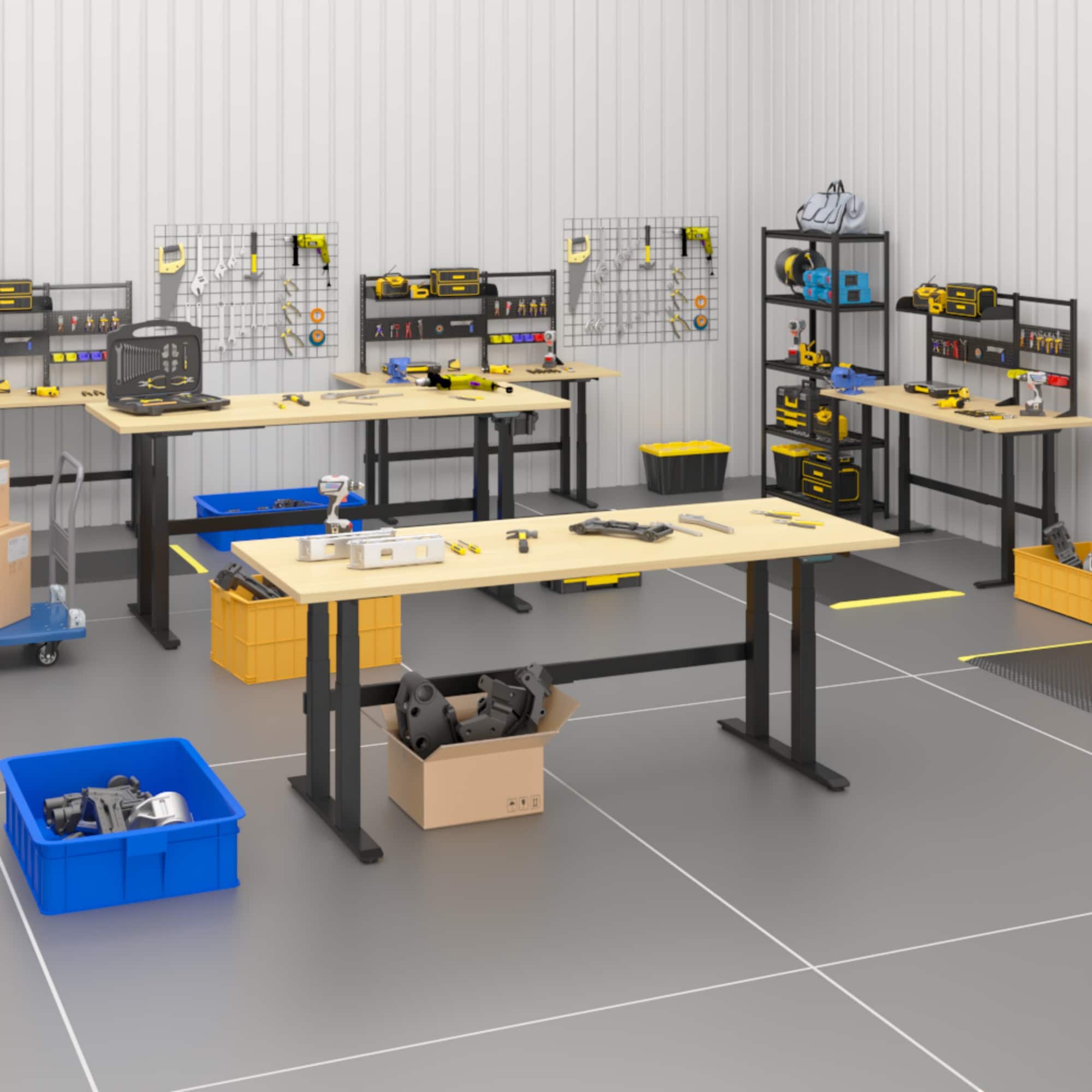
- Standardized dimensions Consistency matters more than customization. Identical tables simplify training and line balancing.
- Depth for workflow A 30–36 inch deep surface allows room for components, instructions, and finished parts.
- Durable surfaces Assembly often involves small impacts, solvents, or fasteners. Industrial tops outlast office furniture quickly.
- Modular expansion As product mix changes, the ability to add shelves or tool rails without replacing the table is a major cost saver.
Warehouses that invest in durable, modular workbenches reduce line downtime caused by makeshift fixes and unstable surfaces.
Repair & Maintenance Stations: Where Stability Is Non-Negotiable
Repair stations experience some of the harshest conditions in a warehouse.
What maintenance teams consistently complain about
Across maintenance forums and internal surveys, recurring issues include:
- Lightweight tables that walk or tip
- Surfaces damaged by oils, impacts, or heavy components
- No safe place for tools and removed parts
- Tables repurposed from packing areas that are simply not built for repair
Critical requirements for repair stations
Repair and maintenance workbenches should emphasize:
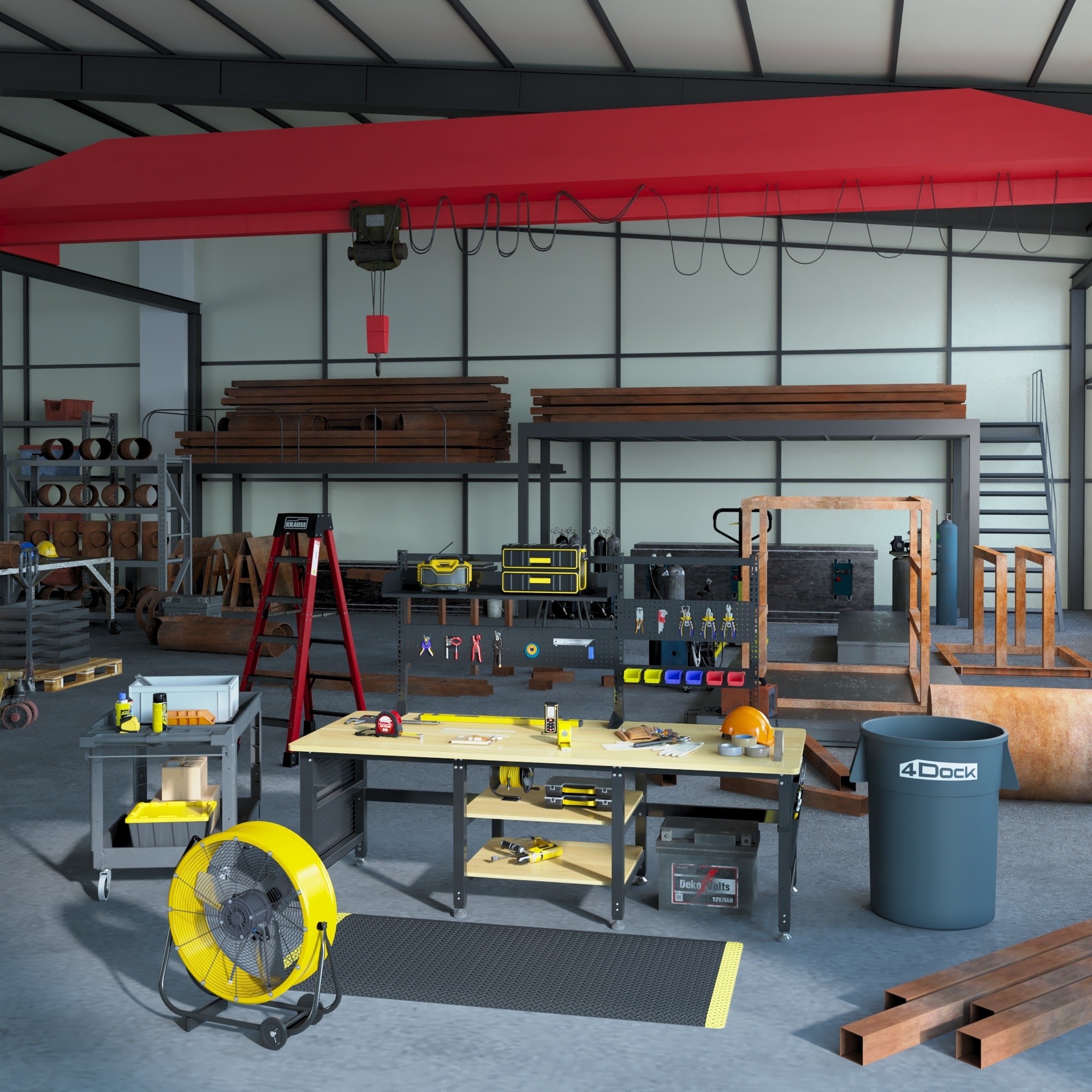
- Maximum load capacity Motors, gearboxes, and components require tables that can safely support concentrated weight.
- Rigid steel frames Flexing frames compromise safety and precision.
- Impact-resistant surfaces Hardwood or industrial laminate tops last far longer than particleboard.
- Clear under-table space For stools, carts, or foot clearance during long repair tasks.
In these environments, cutting costs on furniture often leads to higher replacement and injury costs later.
How to Choose the Right Workstation: A Practical Checklist
When selecting workbenches for packing, assembly, or repair areas, procurement teams should evaluate:
- Size & Footprint Match table width to carton or product size and ensure aisle clearance remains compliant.
- Load Capacity Plan for actual working load, including equipment, stacked materials, and accessories.
- Frame Construction Look for welded or bolted steel frames with cross bracing; avoid light-duty office-style legs in industrial zones.
- Expandability Can shelves, pegboards, or lighting be added later? Will the table adapt as processes evolve?
- Lifecycle Cost A table that lasts 8–10 years often costs less than replacing a cheaper option every 2–3 years.
Why Industrial Workstations Deliver Better ROI
Industry data consistently shows that warehouses investing in industrial-grade workstations experience lower injury-related downtime, faster training for new workers, reduced equipment replacement costs, and more predictable workflow performance.
According to MHI and warehousing equipment studies, ergonomically designed workstations contribute directly to improved labor retention—an increasingly critical metric in logistics.
Final Thoughts: Design for People, Scale for Growth
Packing, assembly, and repair stations are not just furniture—they are productivity infrastructure. When workstations are undersized, unstable, or inflexible, warehouses pay the price in lost efficiency and worker fatigue. When they are designed intentionally, they become quiet performance multipliers.
Whether you are upgrading a single packing line or standardizing an entire facility, starting with a robust workstation strategy ensures your warehouse is ready to scale—without chaos.
To explore industrial workbench solutions built specifically for real warehouse environments, visit: 4Dock Workstations.
Design for how your teams actually work—and let the workspace support the operation, not fight it.