


2026 Back-to-School Bulk Buying Guide: Workstations, Storage, Chairs & AV Equipment
Back-to-school purchasing is not just about notebooks, classroom supplies, and replacement desks. For schools, colleges, training centers, labs, and administrative facilities, a new academic year can also mean outfitting new spaces, replacing worn furniture, expanding programs, or completing upgrades before students and staff return.
When multiple rooms or departments are involved, the challenge is rarely finding a product. It is deciding what to buy, which specifications matter, how the pieces should work together, and what needs to be confirmed before placing a bulk order.
Instead of building a shopping list one item at a time, use this guide to evaluate five core categories—workstations, storage, chairs, standing desks, and AV equipment—and create a more complete back-to-school order.
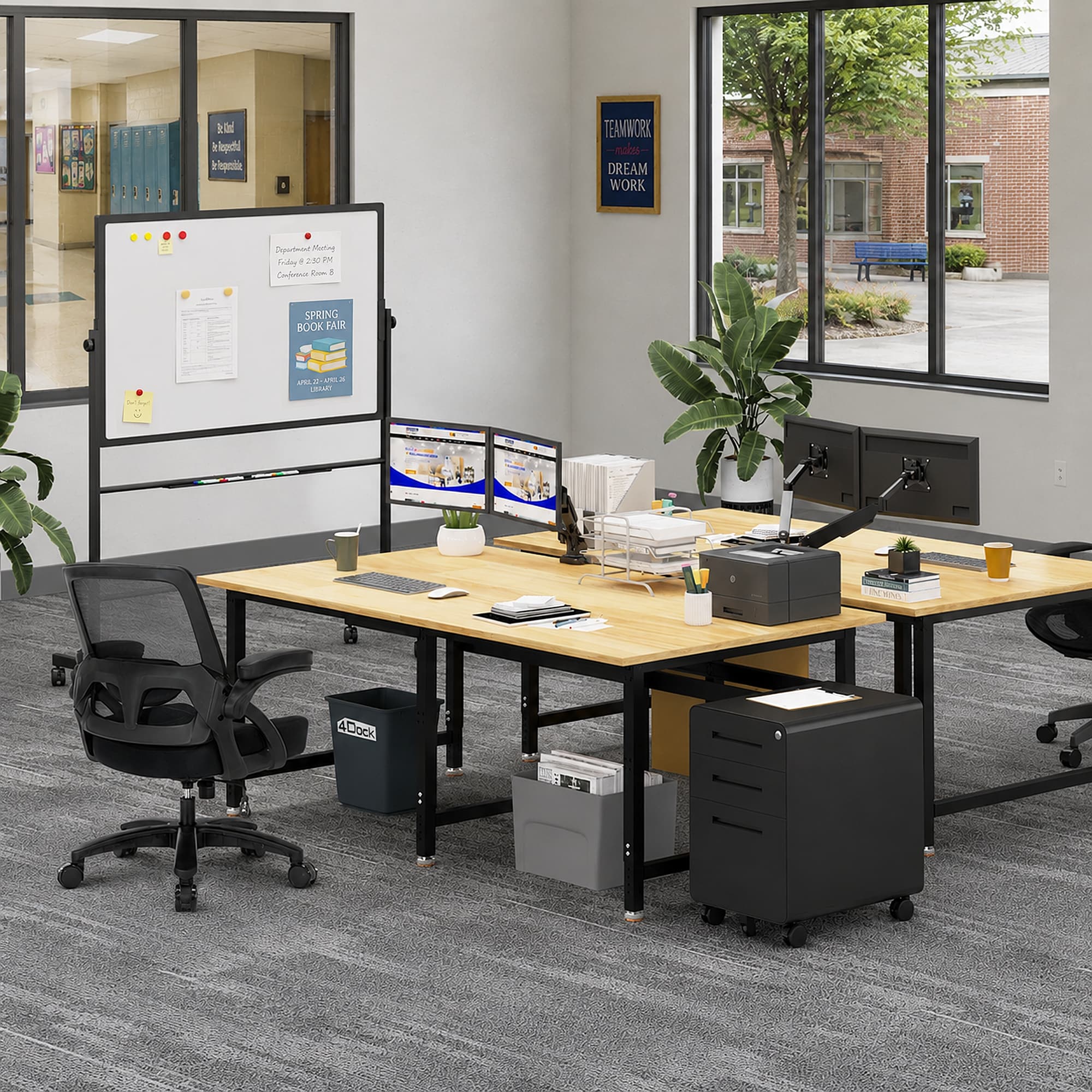
2026 Back-to-School Equipment Buying Checklist: What Do You Actually Need?
Before comparing individual products, divide your purchasing list by function.
A typical facility may need:
- Workstations and workbenches for hands-on work, assembly, projects, labs, maintenance, or technical training
- Storage for tools, supplies, documents, equipment, and shared materials
- Office chairs for administrative offices, computer areas, instructor stations, and longer seated tasks
- Standing desks for offices and flexible work areas where height adjustment is useful
- AV equipment for presentations, instruction, meetings, demonstrations, and shared displays
Not every room needs all five.
The fastest way to narrow your order is to ask: What work happens in this space, who performs it, and what equipment supports that work?
Once those answers are clear, you can move from a general supply list to actual product specifications.
1. Workstations: Choose by Task, Size, and Capacity
For technical classrooms, labs, workshops, training centers, maintenance areas, and project spaces, the workstation is often the most important purchase.
Start with work surface size.
A larger bench is not automatically better. A workstation should provide enough room for the task without consuming floor space that could otherwise improve aisles, storage, or workstation capacity.
Before ordering, measure:
- Available floor space
- Required work surface
- Equipment that will sit on the bench
- Clearance between adjacent stations
- Number of people sharing each station
- Maximum expected load
Next, decide whether you need a fixed-height or adjustable-height workstation.
Fixed-height models can be a practical choice when the task and user requirements remain relatively consistent. Adjustable workbenches become more valuable when multiple people share a station or when work changes between seated and standing tasks.
Load capacity also matters. A table for laptops and light project work does not require the same construction as a bench supporting tools, machinery, fixtures, or heavy components.
For bulk purchases, standardization can simplify the decision. Using a consistent workstation size or configuration across similar rooms can make layout planning, future replacement, and accessory selection easier.
Browse 4Dock's workstations and workbenches to compare configurations for different work environments.

2. Storage: Open, Cabinet, or Lockable?
Once workstations are selected, ask a simple question:
Where will everything else go?
Storage requirements are easy to underestimate when purchasing a new workspace. Without enough organized storage, tools and supplies quickly migrate onto work surfaces, reducing the usable area you just paid for.
Choose storage according to what you need to store.
Open storage works well when frequently used supplies need to remain visible and easy to access.
Cabinet storage is better for items that should stay organized and protected from everyday traffic.
Lockable storage should be considered when access needs to be controlled or when higher-value equipment, tools, records, or other restricted items need additional security.
Also consider where the storage will be located. Frequently used materials should generally be accessible near the point of use, while bulk supplies can be stored farther away.
Explore office and workspace storage solutions when building the storage portion of your order.
_20260816_TfNGwPiX.jpg "1028_file_71 inch Metal Office Storage Cabinet Black (10).jpg")
3. Chairs: Match Seating to the Work
Buying one chair type for every space may simplify the purchase order, but it does not necessarily create the best workspace.
Start with how long people will sit and what they will do while seated.
Administrative staff and instructors who spend long periods working at computers have different needs from someone who sits briefly between hands-on tasks. Conference rooms, offices, computer areas, reception spaces, and technical work areas may therefore require different seating.
When comparing chairs, consider:
- Seat-height adjustment
- Back support
- Armrest requirements
- Mobility
- Seat dimensions
- Frequency and duration of use
- Desk or workstation height
For larger orders, it can be useful to standardize seating by space type rather than choosing one model for the entire facility.
For example, offices might use one chair configuration while shared project or training areas use another.
Browse office chairs for administrative and shared workspaces to compare available options.
_20260305_AKy7QT2A_20260816_ObBqXUBJ.avif "1028_file_Breathable Mesh Office Chair with Lumbar Support and Flip-Up Armrests for Home Office Desk 4Dock (1)_20260305_AKy7QT2A.avif")
4. Standing Desks: Where Is Adjustability Worth It?
Not every room needs an adjustable desk.
That makes standing desks a category where buyers should focus on use case rather than simply purchasing the same furniture everywhere.
Height-adjustable desks may be particularly useful for:
- Instructor work areas
- Administrative offices
- Shared staff workstations
- Computer-based work
- Spaces used by different people throughout the day
- Roles that alternate between seated and standing tasks
Before buying, check the adjustment range against the people and tasks expected at the desk. Also consider desktop dimensions, equipment placement, cable management, and whether computers or monitors will move safely as the surface changes height.
If the user rarely changes position and the desk is assigned permanently, a fixed configuration may be sufficient. Spend the adjustable-desk budget where the flexibility will actually be used.
Compare 4Dock standing desks for flexible office and staff work areas.
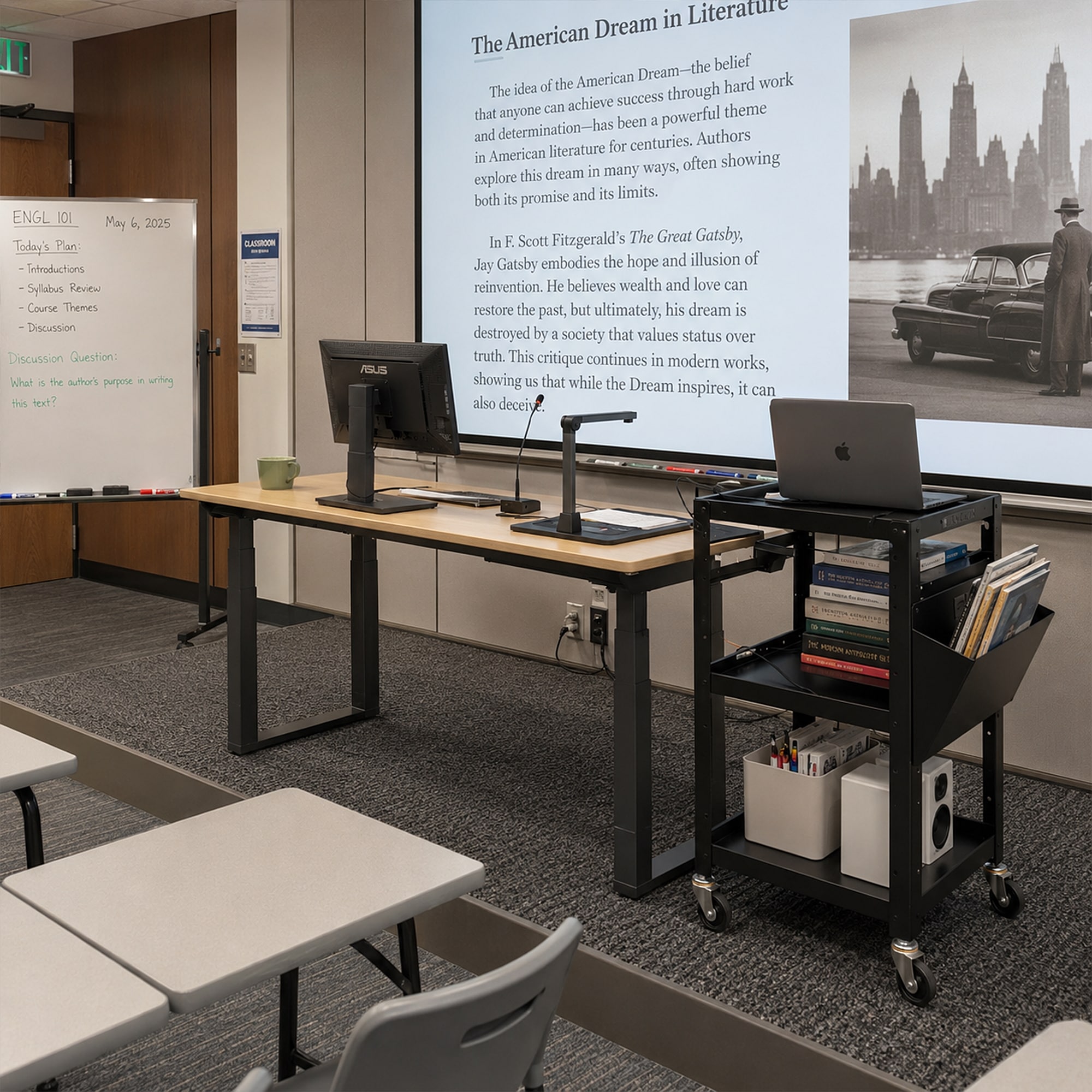
5. AV Equipment: Don't Leave It Until the End
AV equipment often gets treated as a separate technology purchase. In reality, it should be considered alongside furniture and room layout.
A display that cannot be seen clearly from the workstations, or equipment that blocks circulation, creates a problem that could have been prevented during planning.
Before ordering AV equipment, consider:
- Viewing distance and sightlines
- Display location
- Fixed versus mobile use
- Equipment shared between rooms
- Cable and accessory management
- Available floor and wall space
- How instructors or presenters will interact with the display
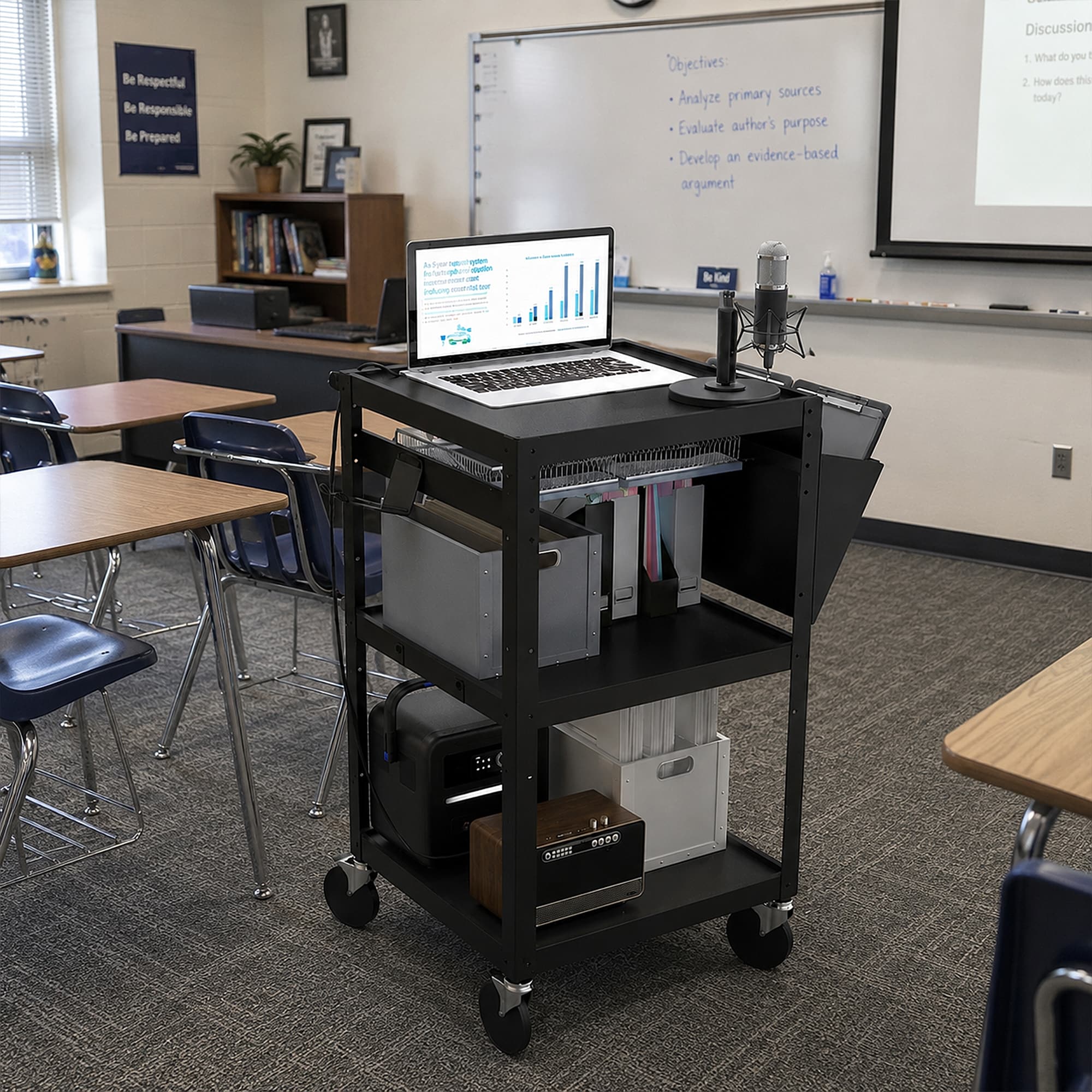
Mobile AV solutions can be particularly useful in multi-purpose spaces or facilities where equipment needs to move between rooms.
Browse audio-visual equipment for training, meeting, and instructional spaces and mobile workstation cart when completing your equipment list.
What Should You Buy for Each Space?
Instead of purchasing by department name alone, match equipment to the work performed in each space.
| Space Type | Purchasing Priorities |
| Technical / Project Workspace | Workstations + storage + task seating |
| Lab / Research Workspace | Larger work surfaces + organized or lockable storage + seating |
| Training Room | Flexible tables/workstations + seating + AV |
| Instructor / Staff Area | Desk or standing desk + office chair + storage |
| Administrative Office | Desk/standing desk + ergonomic seating + document storage |
| Shared Multipurpose Space | Flexible furniture + mobile storage + AV equipment |
For a multi-room project, repeat this exercise room by room. You may discover that five identical rooms can use standardized products, while specialized labs or administrative areas require different configurations.
That is much easier to resolve before the purchase order is submitted.
Buying in Bulk? Confirm These 6 Things Before Ordering
A bulk order introduces considerations that do not matter as much when buying one desk or chair.
Before placing a multi-unit or multi-category order, confirm these six points.
- Quantity: Determine how many units are needed per room rather than estimating a facility-wide total.
- Dimensions: Measure doors, aisles, rooms, and installation locations—not just the product footprint.
- Capacity: Confirm that workstations and storage can support the equipment and materials they will actually hold.
- Configuration: Decide which rooms require fixed, adjustable, mobile, or lockable options.
- Product mix: Build one consolidated list covering workstations, storage, chairs, desks, and AV equipment instead of placing disconnected orders whenever possible.
- Delivery requirements: Confirm when the equipment must arrive and allow time for receiving, assembly, placement, and any unexpected changes.
This step is especially important when several departments are sharing the same purchasing window.
When Should You Place a Back-to-School Order?
Do not plan backward from the day you want to click Buy. Plan backward from the day the space must be operational.
If a classroom, office, lab, or training room needs to be ready when staff or students return, the equipment needs to arrive earlier.
Your schedule may need to accommodate:
Product selection → Internal approval → Quote/Purchase Order → Availability → Shipping → Receiving → Assembly → Room setup
Bulk and multi-category purchases naturally contain more moving parts than individual orders. Waiting until the final weeks before reopening leaves less room to adjust quantities, substitute configurations, or resolve delivery issues.
For fall projects, finalize specifications and confirm availability as early as your purchasing process allows.
Final Back-to-School Purchase Checklist
Before placing the order, run through one final check:
- Workstation quantities and dimensions confirmed
- Load requirements checked
- Fixed vs. adjustable options selected
- Storage capacity planned
- Lockable storage identified where needed
- Chairs matched to each work area
- Standing desks assigned only where adjustment adds value
- AV requirements included
- Room dimensions verified
- Multi-room quantities consolidated
- Delivery deadline confirmed
- Receiving and assembly plan established
The objective is not to buy more equipment. It is to avoid discovering after delivery that an essential component was missed—or that the products purchased do not fit the way the space will actually be used.
Ready to Build Your 2026 Back-to-School Order?
A successful back-to-school purchase starts with a simple sequence:
Identify the space → Define the work → Select the specifications → Confirm quantities → Coordinate the order.
Instead of treating workstations, storage, seating, desks, and AV equipment as unrelated purchases, look at how they work together in each room.
Start building your order by exploring 4Dock's workstations, standing desks, office storage, office chairs, and audio-visual equipment.
For larger multi-unit or multi-category projects, consolidate your quantities, specifications, room requirements, and target delivery date before requesting a quote. This makes it easier to evaluate the complete purchase rather than making five separate buying decisions.